How to Use Stock Management
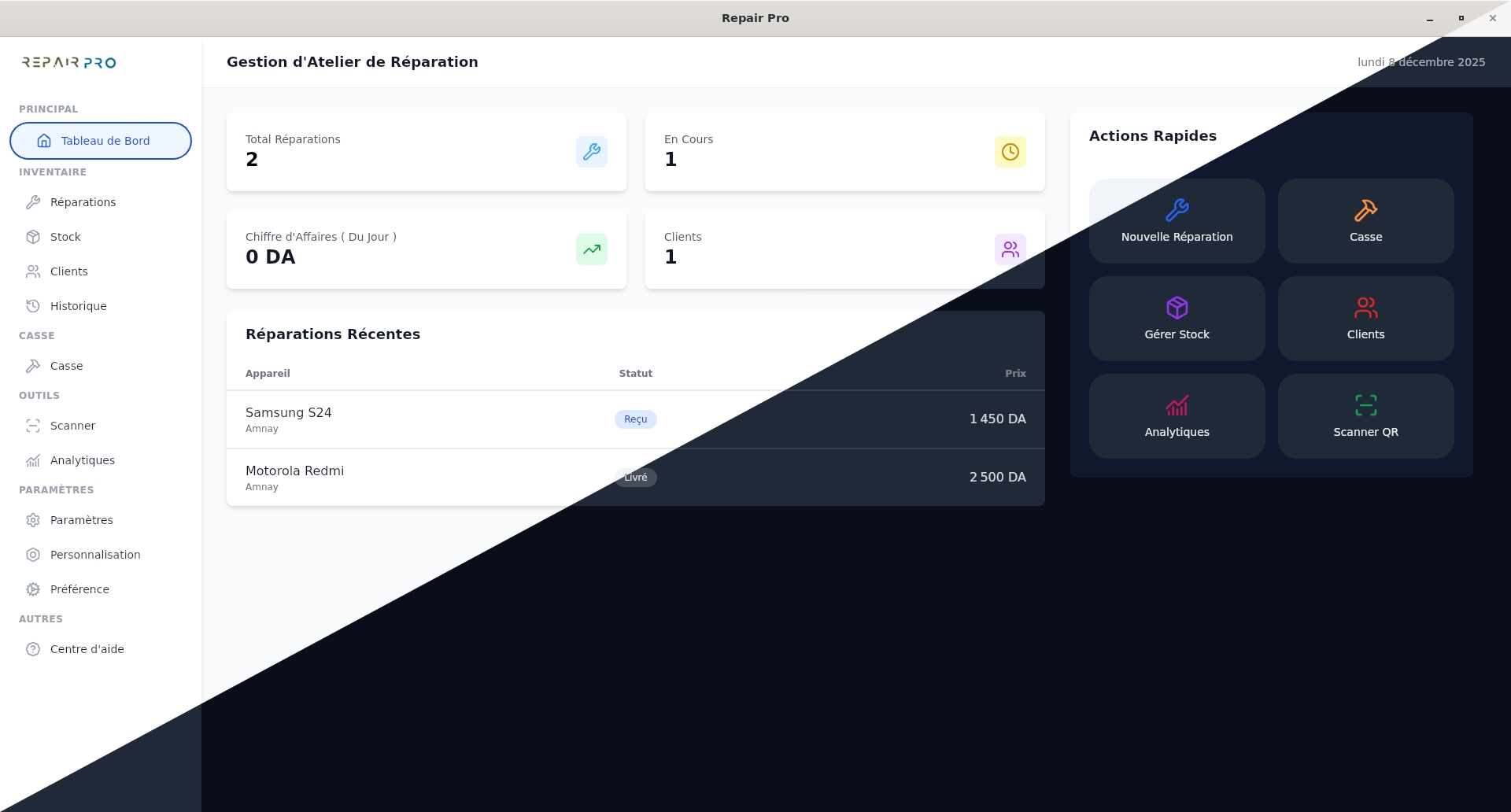
The Stock section allows you to efficiently manage all your items and spare parts. You can add new products, track available quantities, manage purchase and sale prices, and organize items by category and usage.
Why Use Stock Management:
- Accurately track available quantities and avoid stockouts.
- Organize items by category, usage, and compatible models.
- Easily manage purchase prices, sale prices, and product barcodes.
How to Use It:
- Go to the Stock section.
- Filter items by usage or status if needed.
- Click on "Add Item" to create a new product.
- Enter the item information: usage, name, category, and part number (optional).
- Add stock and pricing information: quantity, purchase price, and sale price.
- Select compatible models and click "Add to Stock" to save the item.
In summary, stock management allows you to centralize and organize your products, track stock movements, and optimize the daily management of your parts and items.