Create a new repair
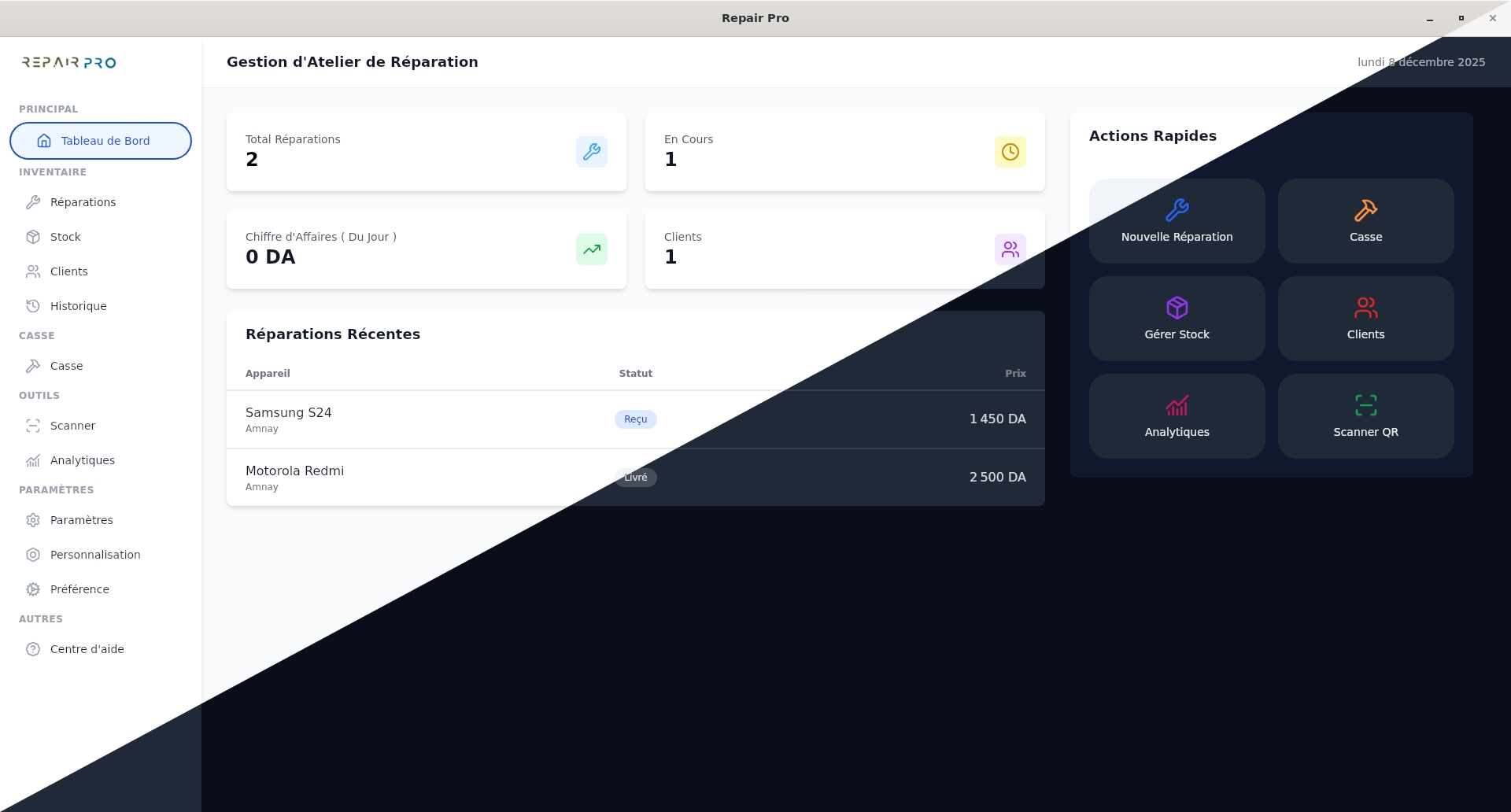
The Repairs section allows you to efficiently manage all interventions on your customers' devices. It centralizes all necessary information, facilitates tracking, and optimizes planning and repair handling. Using this section also allows you to manage spare parts from Stock or Scrap, and track payments and discounts.
To create a new repair, go to the Repairs section and click on New Repair.
The Repairs section allows you to efficiently manage all interventions on your customers' devices. It centralizes all necessary information, facilitates tracking, and optimizes planning and repair handling. Using this section also allows you to manage spare parts from Stock or Scrap, and track payments and discounts.
Step 1: Customer information
- Search for or select an existing customer.
- Add a new customer if none exists.
- Enter the customer's name and phone number.
- Optionally add the customer's email.
Step 2: Device information
- Indicate the device's brand and model.
- Optionally add the serial number.
Step 3: Repair details
- Describe the problem and the initial diagnosis.
- Select the required parts from Stock or Scrap.
Step 4: Price and payment
- Set the labor cost.
- Apply a discount if needed.
- Record a payment if the customer makes a partial payment.
After checking the summary, click Create Repair. It will then appear in the Repairs section for easy tracking and complete management of interventions and used parts.