How to use the History
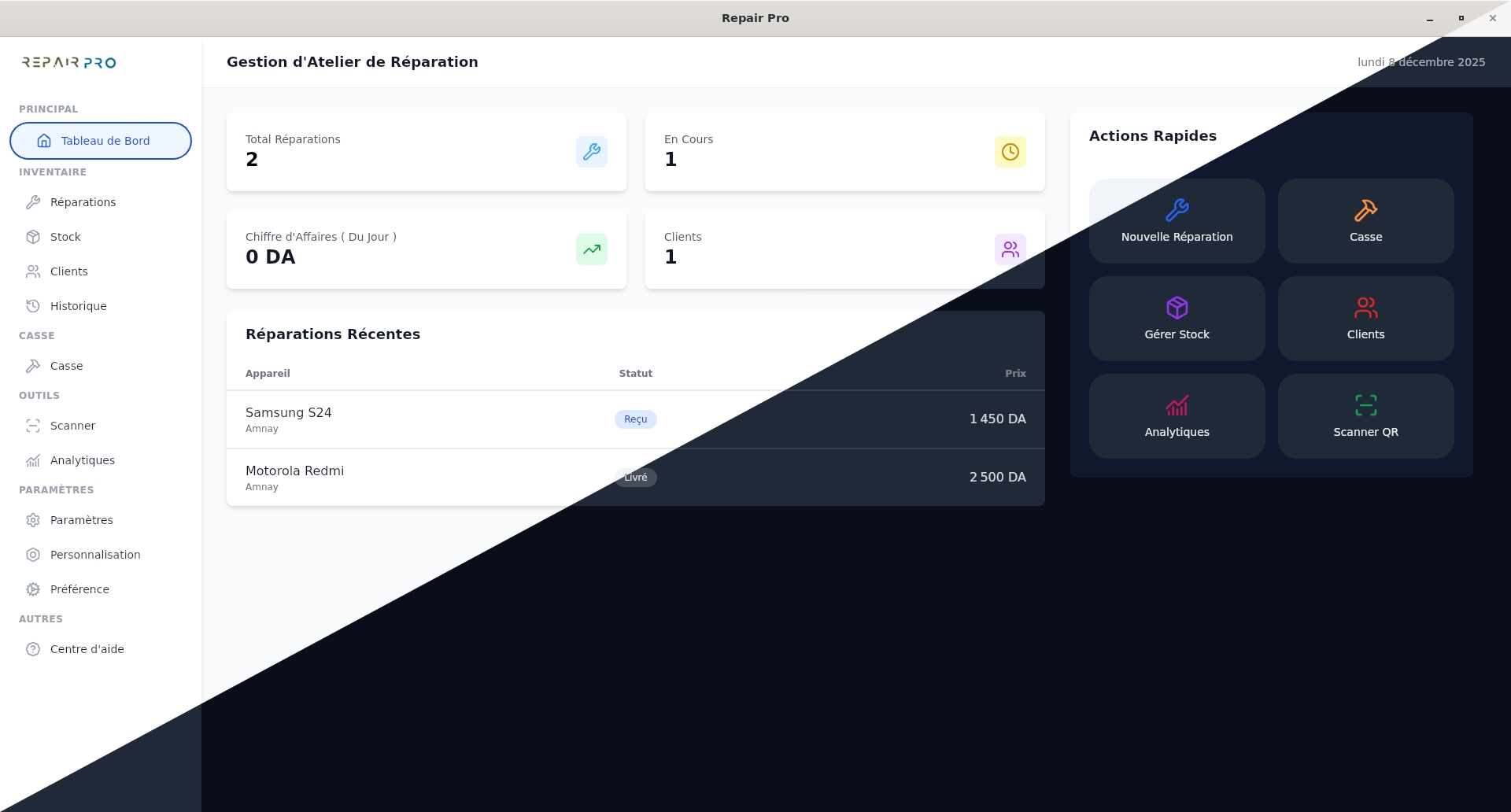
Click on the History section to access all information about your repairs.
In this section, you will find:
- The total displayed.
- The turnover.
- The number of completed repairs.
- The average repair cost.
Additional features:
- Perform a specific search: filter by date, status, or payment.
- View details of each repair.
- Delete a repair if necessary.
This section allows you to easily track all your repairs, monitor your performance, and efficiently manage your activity.