How to use Scrap
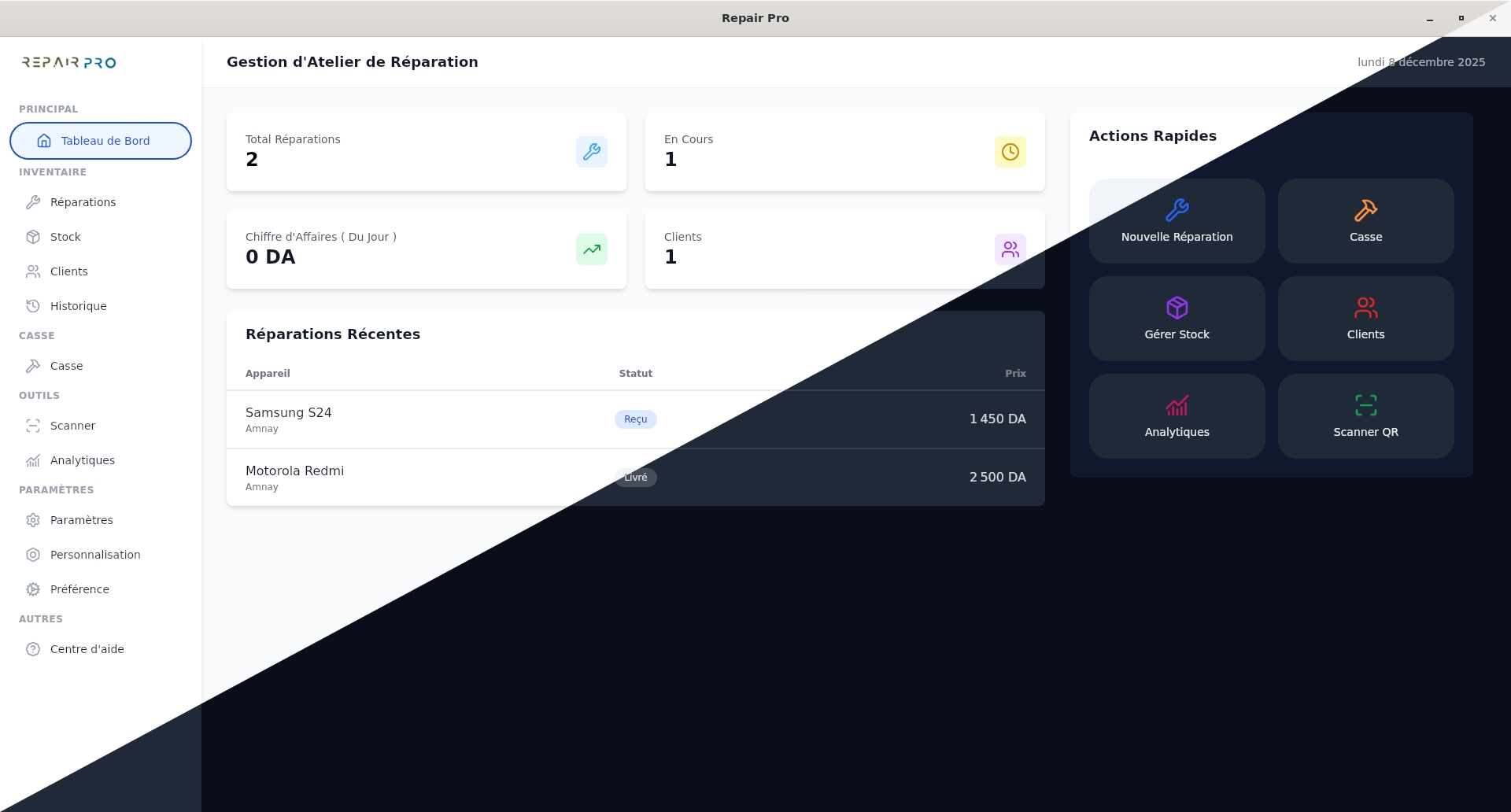
The Scrap section allows you to easily manage damaged or out-of-service devices by centralizing all important information for each device.
Step 1: Why use Scrap
- Keep an accurate history of damaged devices.
- Plan and track repairs more efficiently.
- Reuse certain spare parts to repair other phones, reducing costs and waste.
Step 2: How to use it
- Go to the Scrap section and click on New Scrap.
- Fill in the device identification: IMEI code and serial number (optional).
- Search for an existing model or create a new one, then click Next.
- Select the source of damage, the reason, and add a detailed description if necessary.
- In the Evaluation tab, indicate the acquisition cost and add an extra note if needed.
- Check all information and then click Create Scrap to finalize.
Each device registered in Scrap can be used to recover functional parts such as screens, batteries, buttons, or other components. This allows other phones to be repaired faster and at a lower cost, while reducing electronic waste.
In summary, Scrap is not only a tracking system for damaged devices, but also a valuable resource to optimize repairs and improve spare parts management.